
Playlists
Small lists made from the games you already own
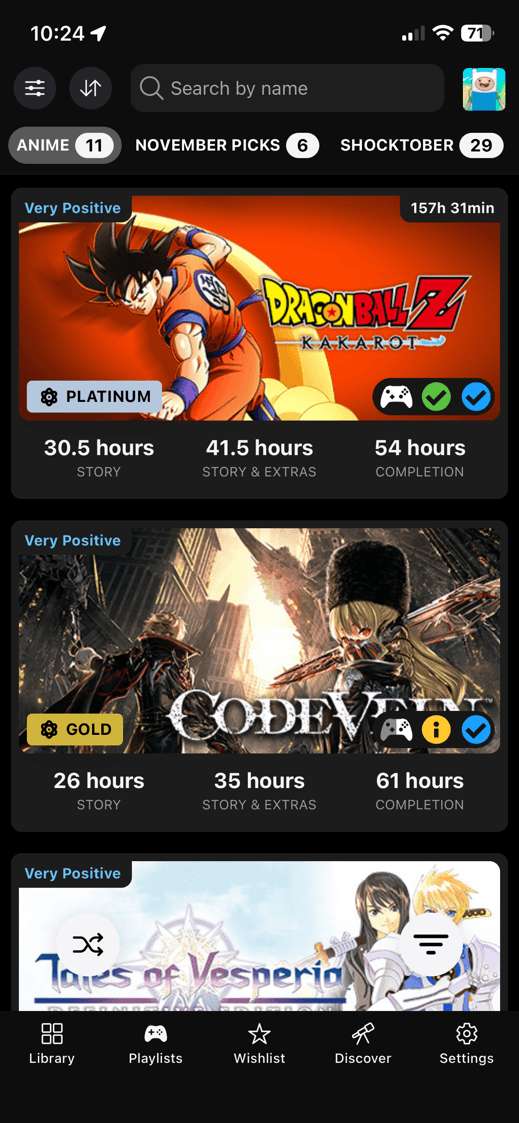
Owned games only
Build lists from your synced Library
Playlists are for games you already own. A playlist entry appears when that game exists in your synced Library data, so the page stays tied to your real backlog.
They feel close to Steam Collections, but DeckFilter does not sync them with Steam Collections right now. The lists live inside DeckFilter.
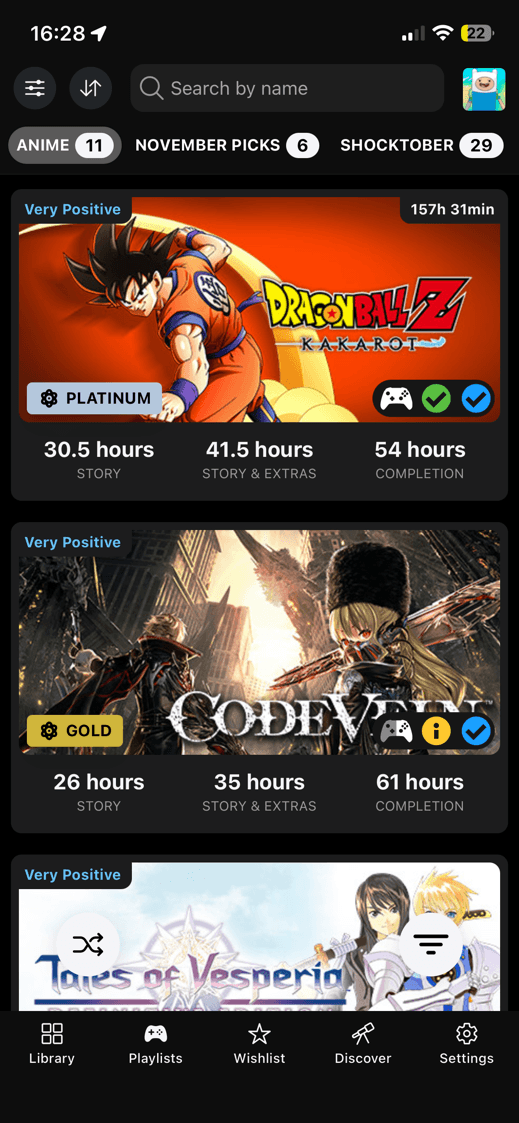
List picking
Keep the next few games close
Use playlists for any smaller group that helps you pick faster. A trip list, a short-games list, or a favorites list is easier to use than the full library.
The All and Uncategorized views help you see what is already saved and what still needs a home.
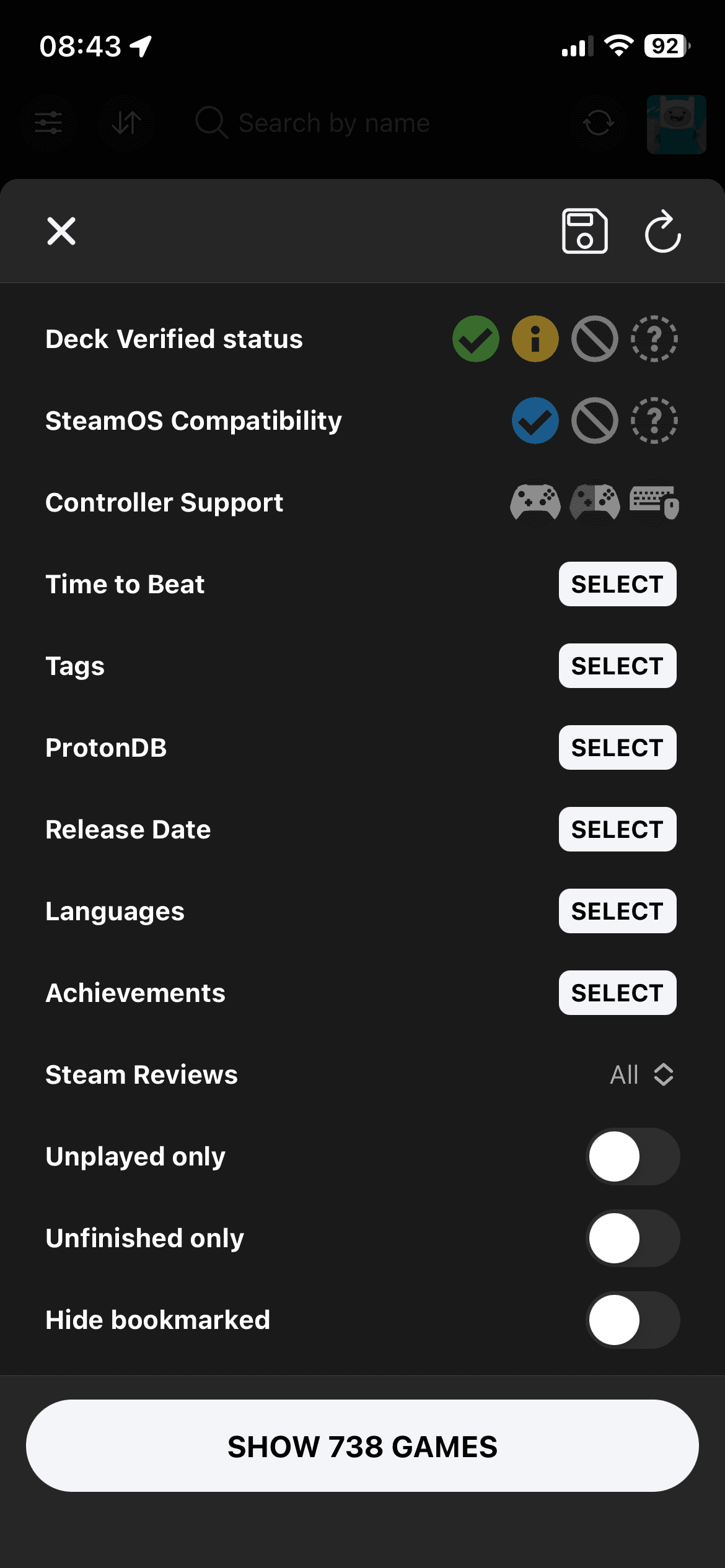
Scoped filters
Filter inside the selected playlist
Playlist filters use the Library-style filter surface because playlists contain owned games.
Filters apply to the selected list, not the whole Library. That makes a playlist useful even after it grows past a handful of games.
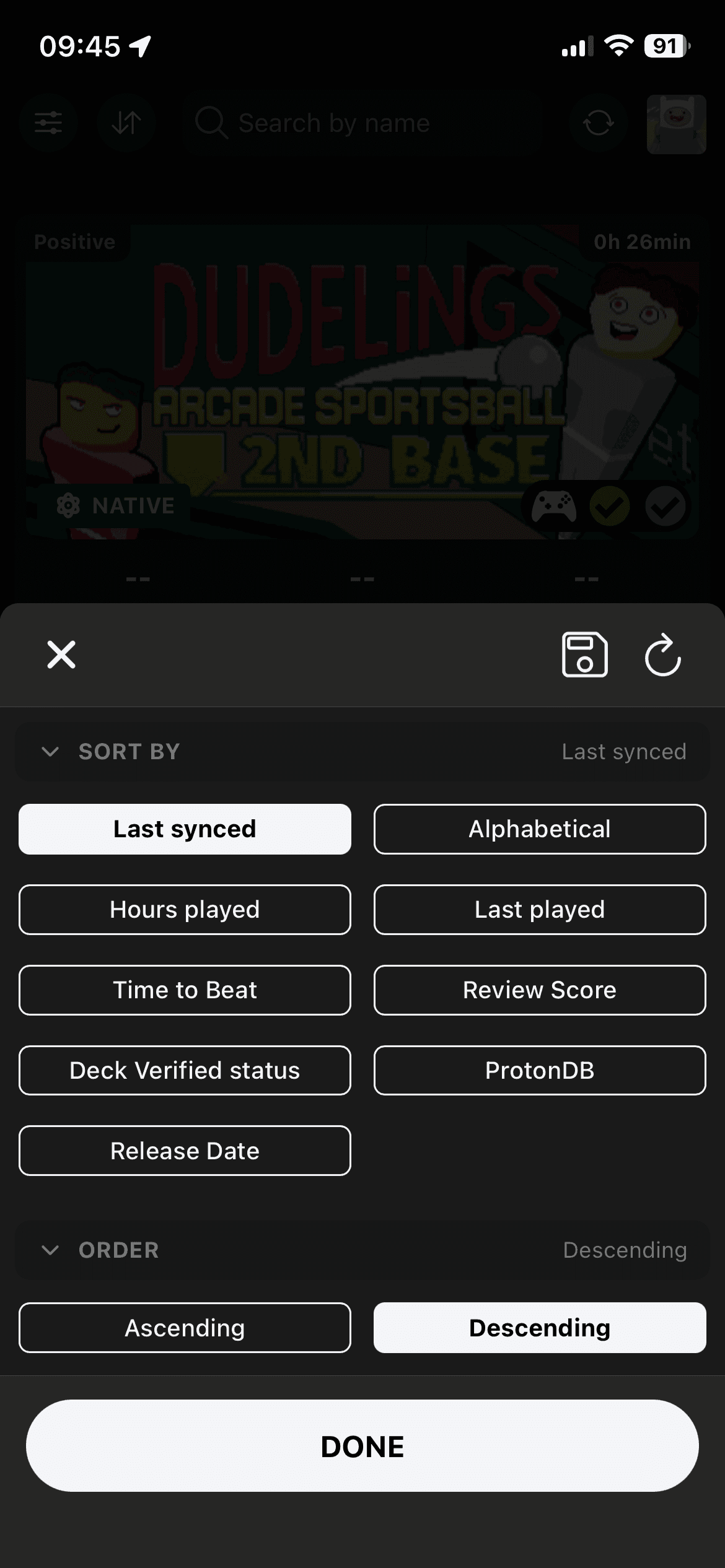
Playlist sorting
Use owned-game sorting inside each list
Playlist sorting uses the same owned-game context as Library. Put the newest sync first, find the shortest game, or sort around Steam Deck confidence.
You can also save a default playlist sort, then get back to it when the list gets noisy.
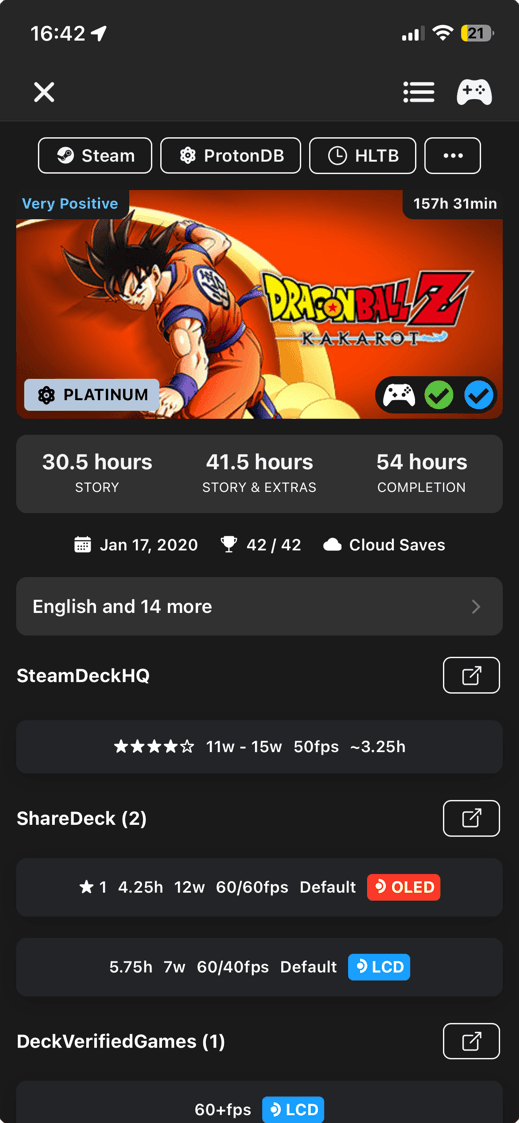
Game details
Open details without leaving the playlist
Playlist details use the owned-game view. You can check playtime, achievements, and Steam Deck status without leaving the list.
The details view also keeps playlist controls close, so you can move a game between named lists while you are deciding what belongs there.