
Steam Deck compatibility
Keep the games that match how you want to play on Steam Deck.
- Deck Verified
- SteamOS
- Controller support
- ProtonDB
Filters
DeckFilter turns a Steam library or wishlist into a shorter list you can use on the couch. First I want to know whether a game feels right on Steam Deck. Then the rest of the decision can happen naturally: how much time I have, what it costs, whether people like it, and whether I can play it the way I want.
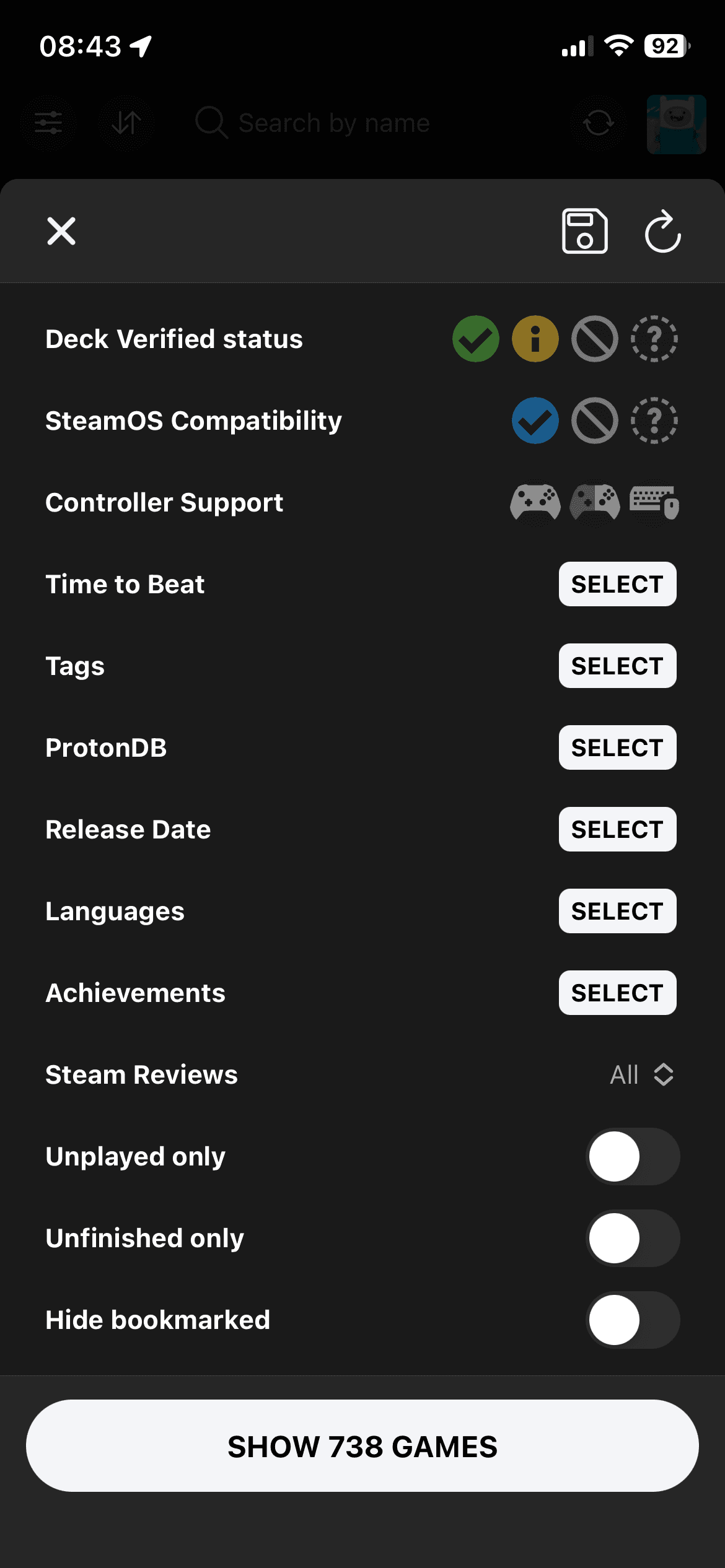
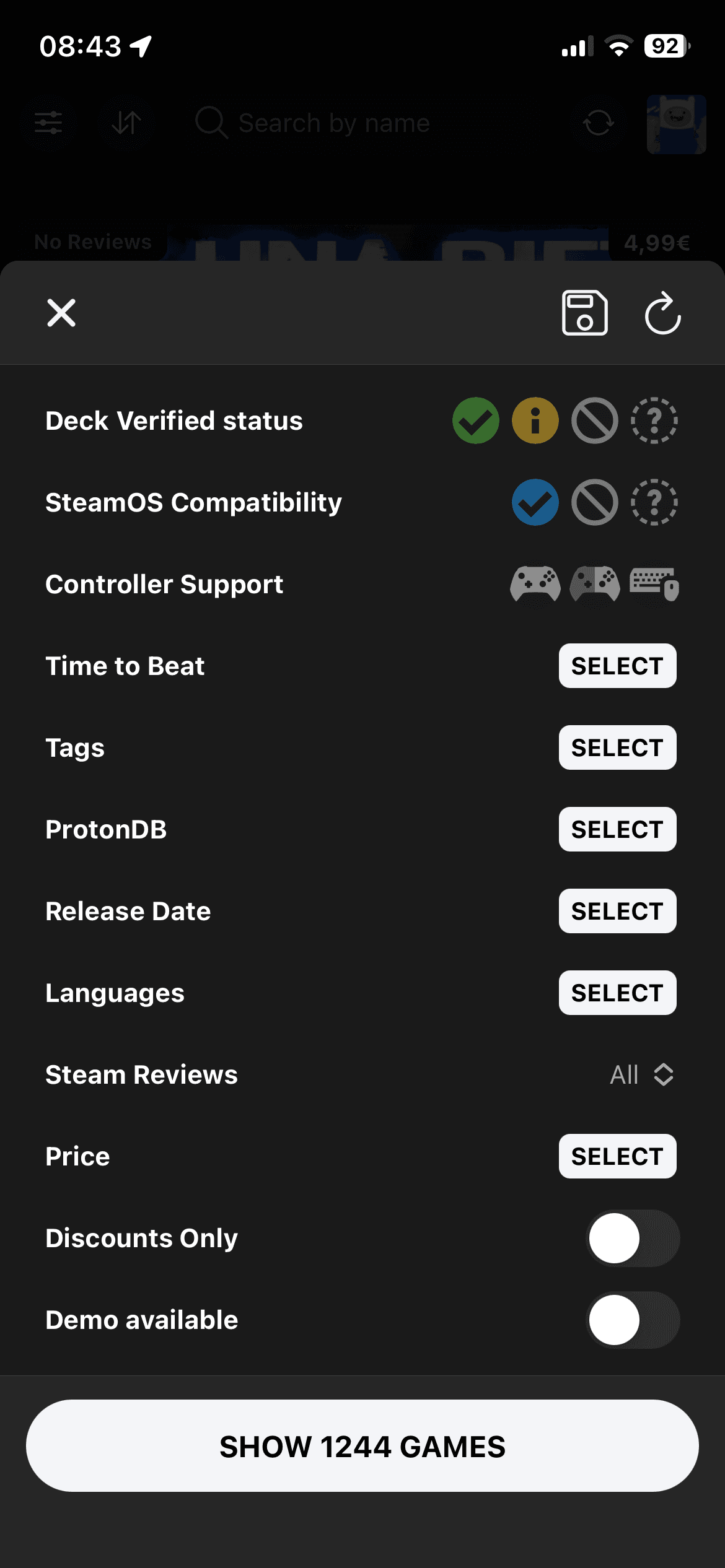
Library filters
Library filters are for the backlog moment: I already own these games, but I do not want to scroll for ten minutes before playing one. I usually start with Steam Deck compatibility. After that, the question gets more personal: what kind of game would I actually start tonight?
Keep the games that match how you want to play on Steam Deck.
Find a short pick, a half-finished save, or something you have not started yet.
Keep playlist games and older releases from crowding the list when they are not useful right now.
Check genre and language support before you open the store page.
Wishlist filters
Wishlist filters keep the buying decision honest. The sale price is still there, but it has to share the screen with a better question: would I actually want to play this on Steam Deck?
A sale looks better when the price is not the only thing on the screen.
Avoid buying a game that looks cheap but fights the device.
Separate new releases, older wishlist games, and short games you might actually finish.
Check whether the deal still makes sense once you look past the price.
Filter recipes
The point is not to admire every option. It is to answer the question you already have: what can I play tonight, what is worth buying, or what should I finish next?
Keep the shaky picks out of the way, then choose from games that should feel good on Steam Deck.
Use wishlist filters when price is tempting but you still want to know how it should play on Steam Deck.
Find owned games that are short, unfinished, and still have progress left to chase.
Combine language support with tags when subtitles or full audio matter more than the genre label.
Detailed filters
Some choices need more than a quick toggle. These sheets give the bigger filters enough space without pulling you out of the flow.
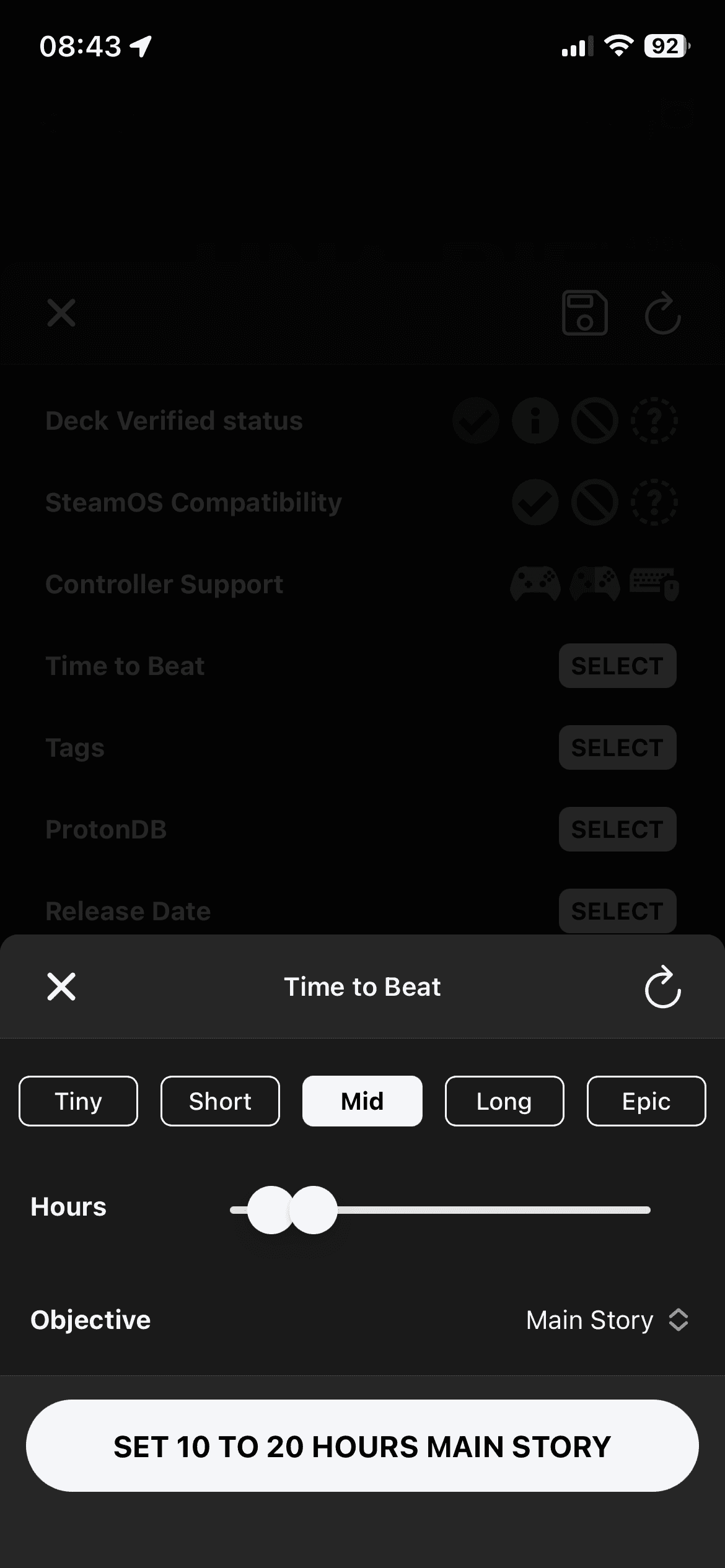
Choose a rough length, then tune the hour range and objective.
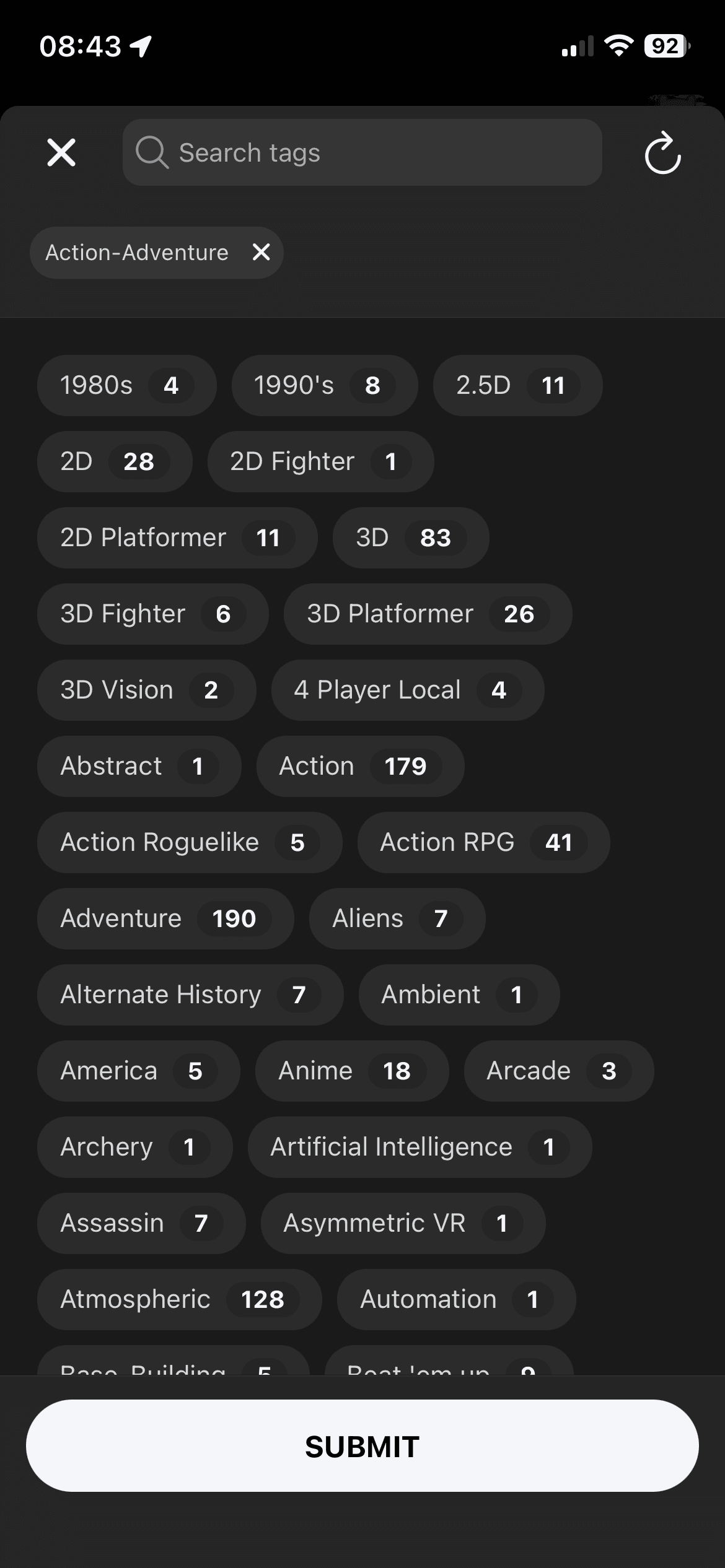
Search tags and use the counts to find the mood you are actually after.
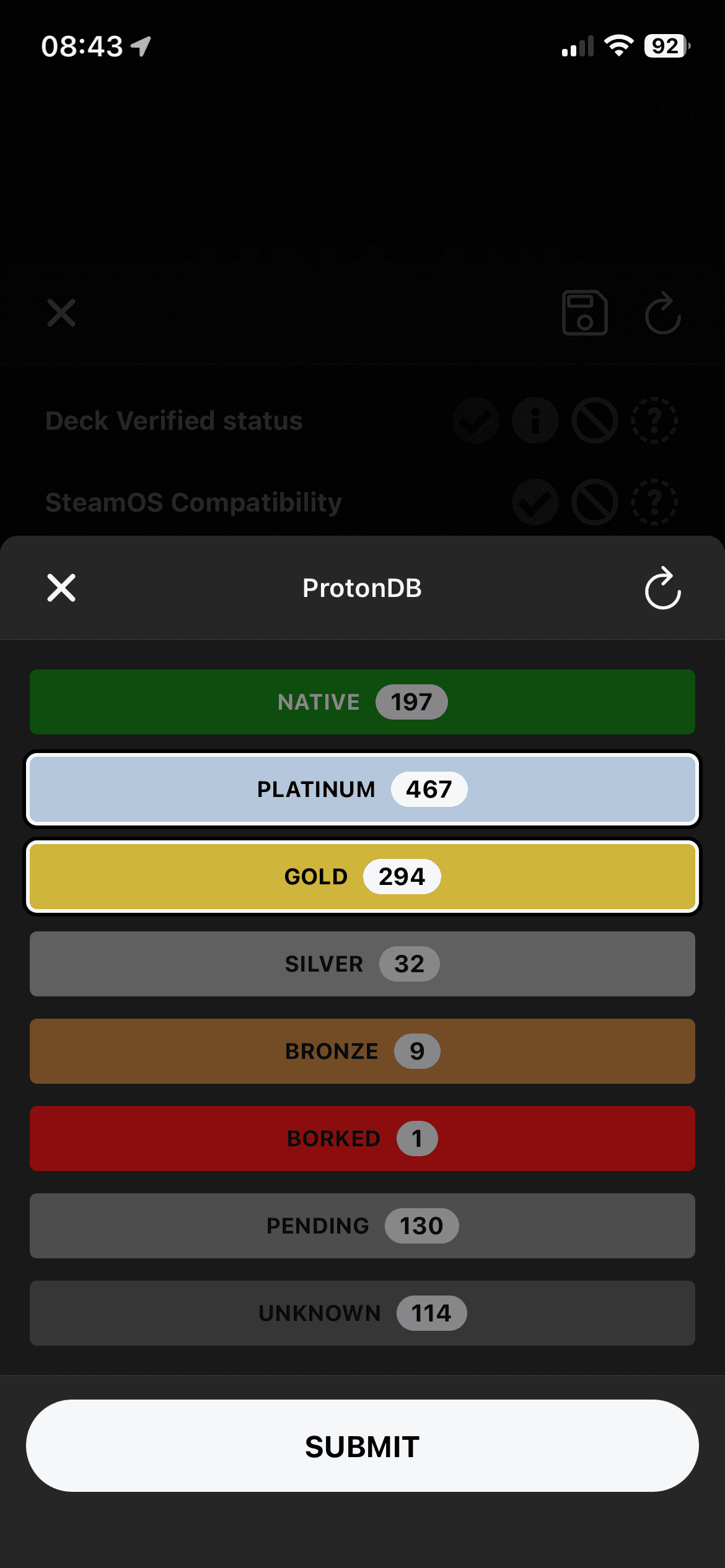
Pick the ProtonDB tiers you trust before a game reaches the shortlist.
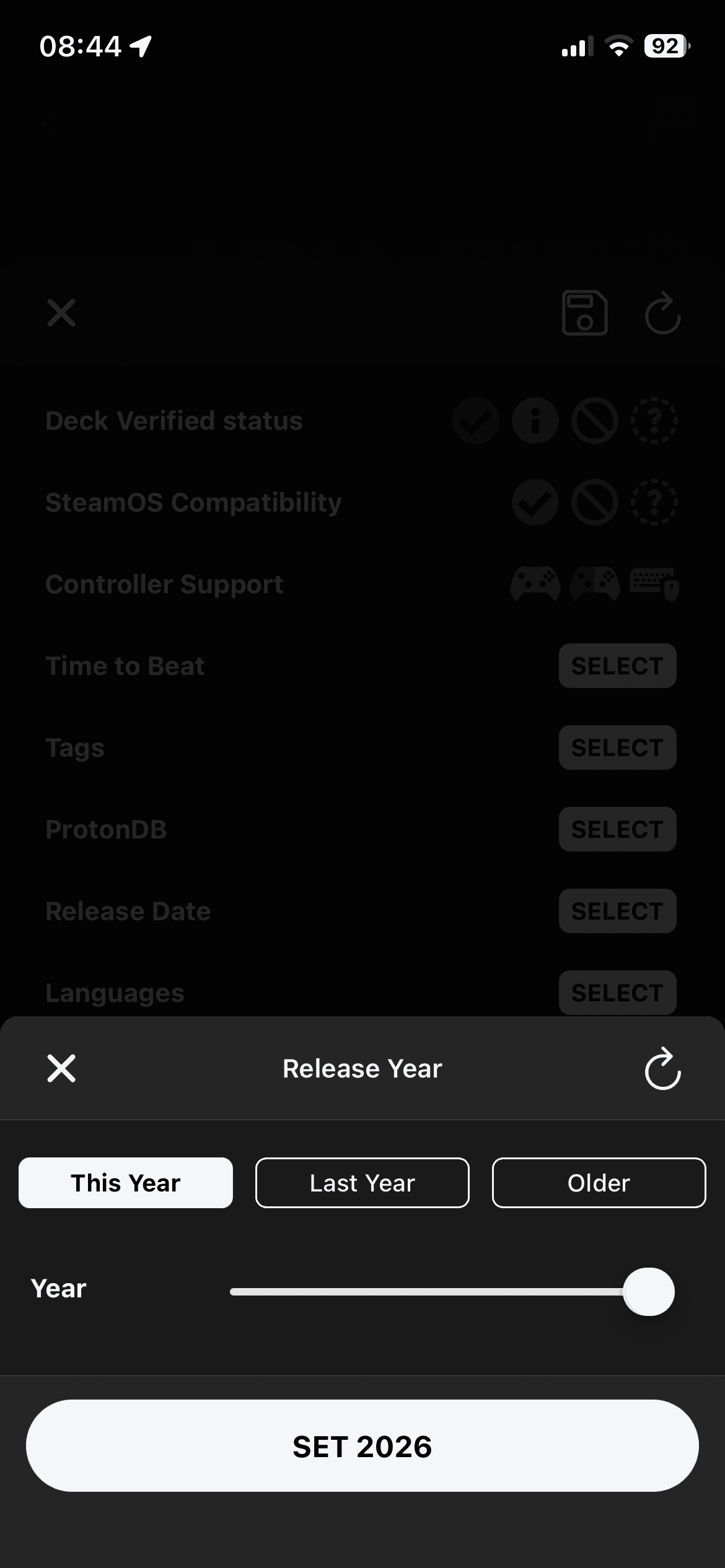
Use quick year presets when newer releases or older wishlist games are crowding the list.
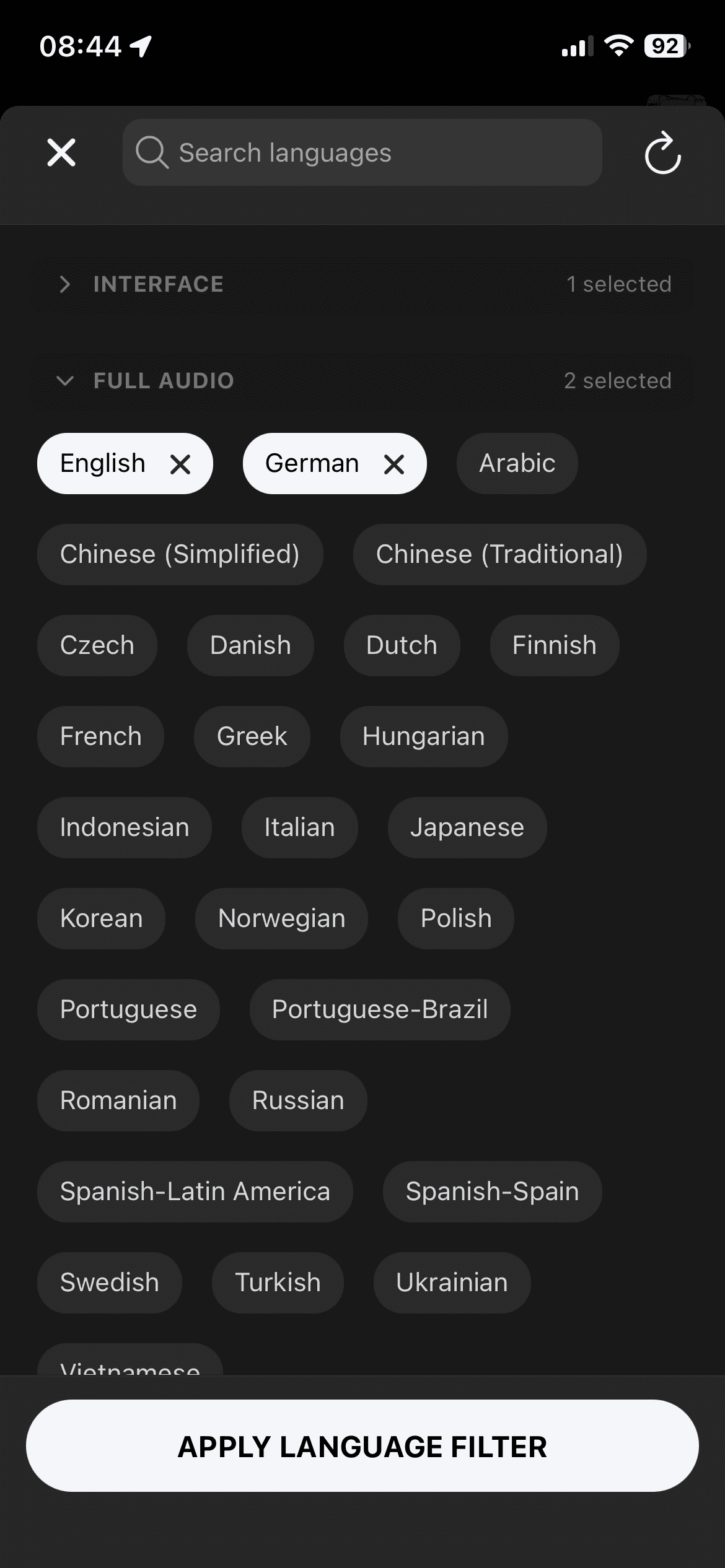
Check interface, full audio, and subtitle support separately.
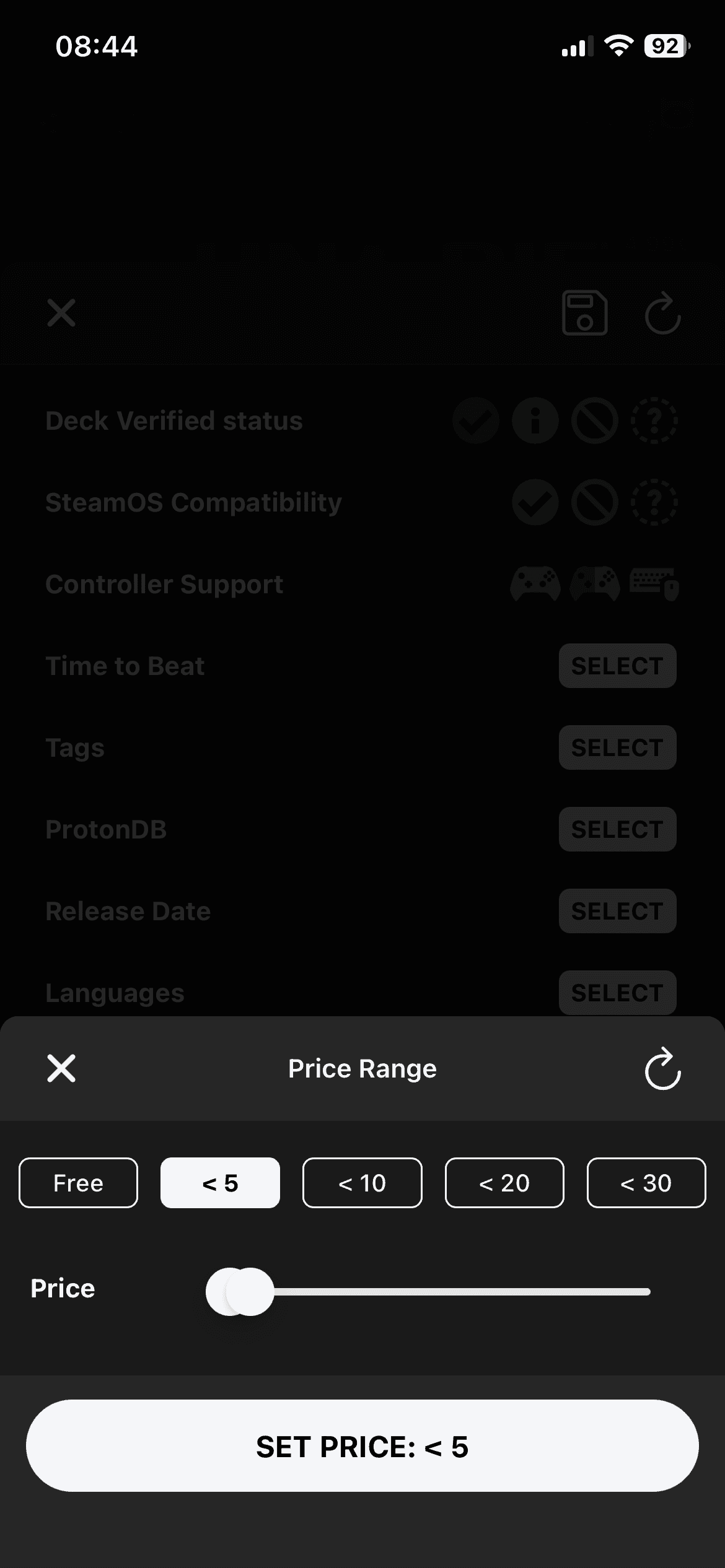
Set a quick ceiling before another cheap wishlist game sneaks into the cart.