
Features
Pick your next Steam Deck game from one clear list
Steam Library
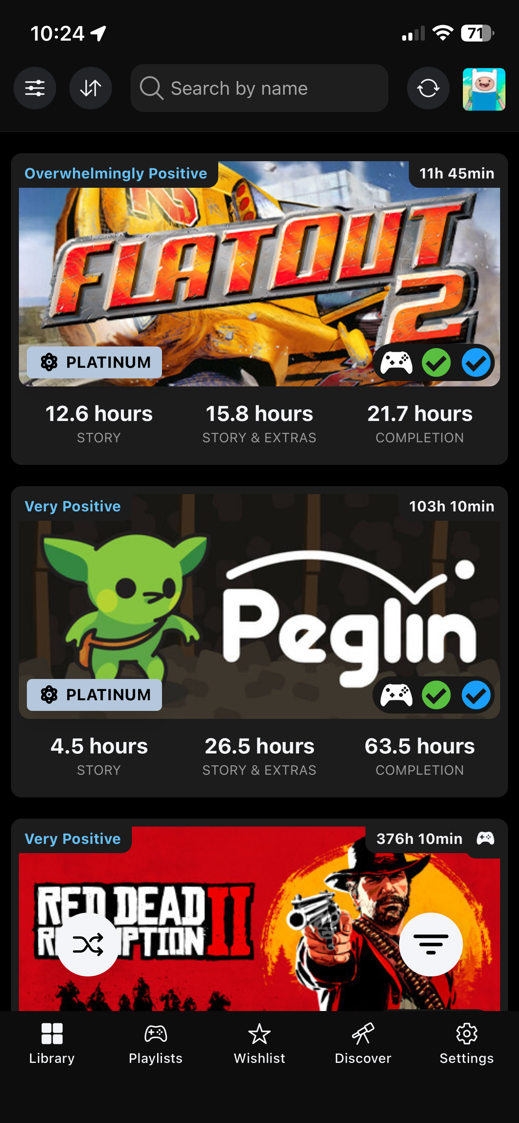
Steam library overview and sync
After sync, your library becomes something you can actually work with instead of another wall of cover art.
The list starts with what you already own and keeps the useful context close, from your own playtime to the question that usually matters first: does this feel right on Steam Deck?
Steam Wishlist
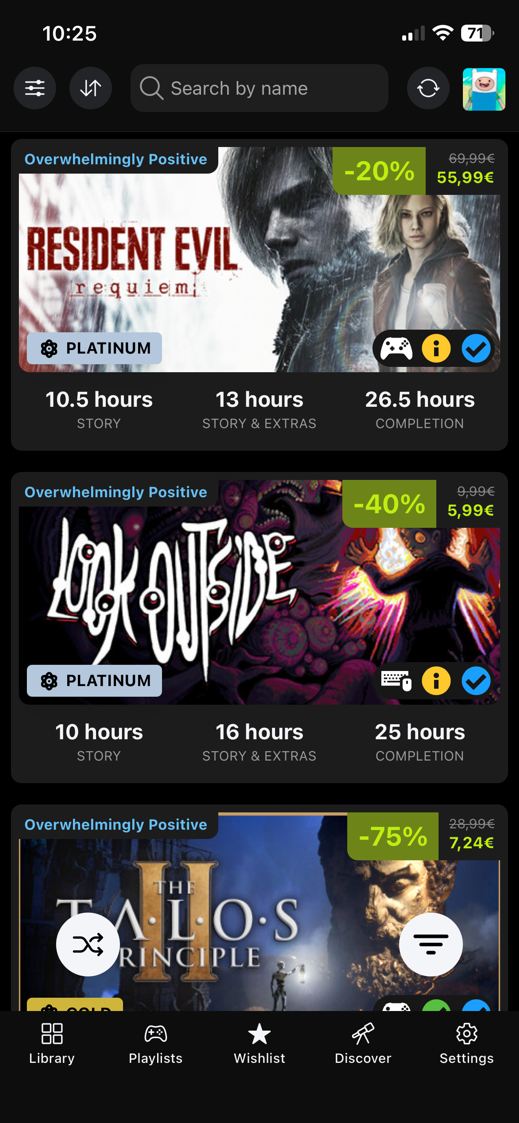
Steam wishlist overview and sync
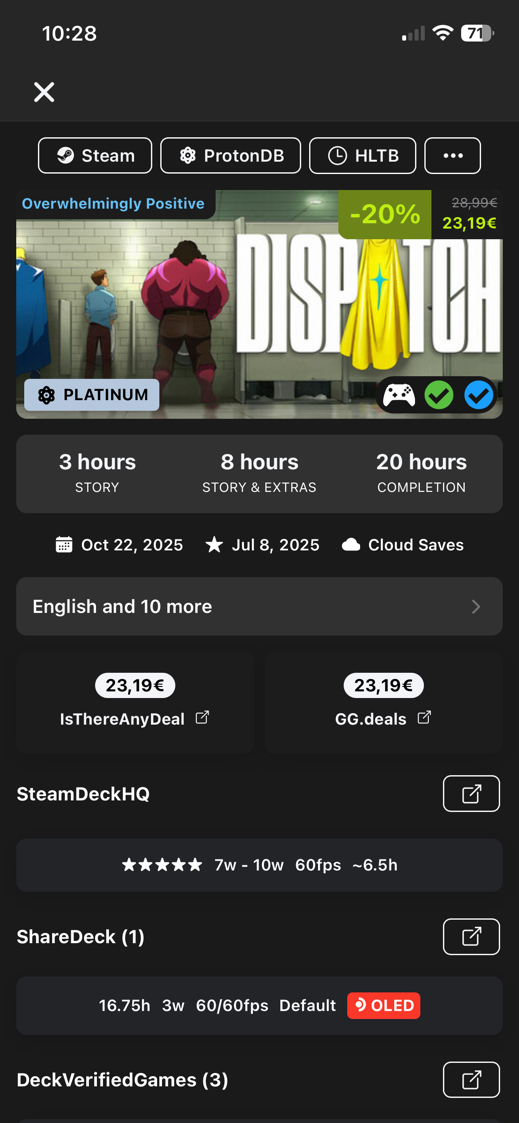
Your wishlist stops being a wall of sale prices. A discount is easier to judge when you can see whether the game looks playable on Steam Deck and whether you would actually want to start it.
When a sale is live, sort by the reason you care. Sometimes that is the lowest price. Sometimes it is the game you can finish this weekend.
Use deal context and wishlist filters together so a sale price does not have to be the only reason you buy.
Playlists
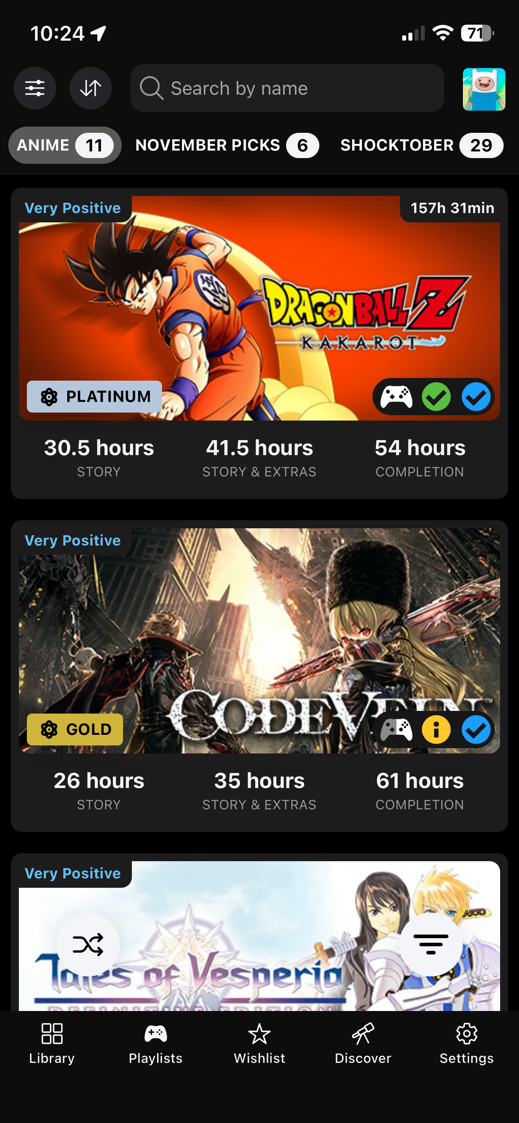
Playlists for your own collections
Think of playlists as your own collections inside DeckFilter: backlog plans, short games, trip picks, favorites, or anything else you want ready next.
They stay separate from Steam collections, so you can shape them around how you actually choose games.
Discover
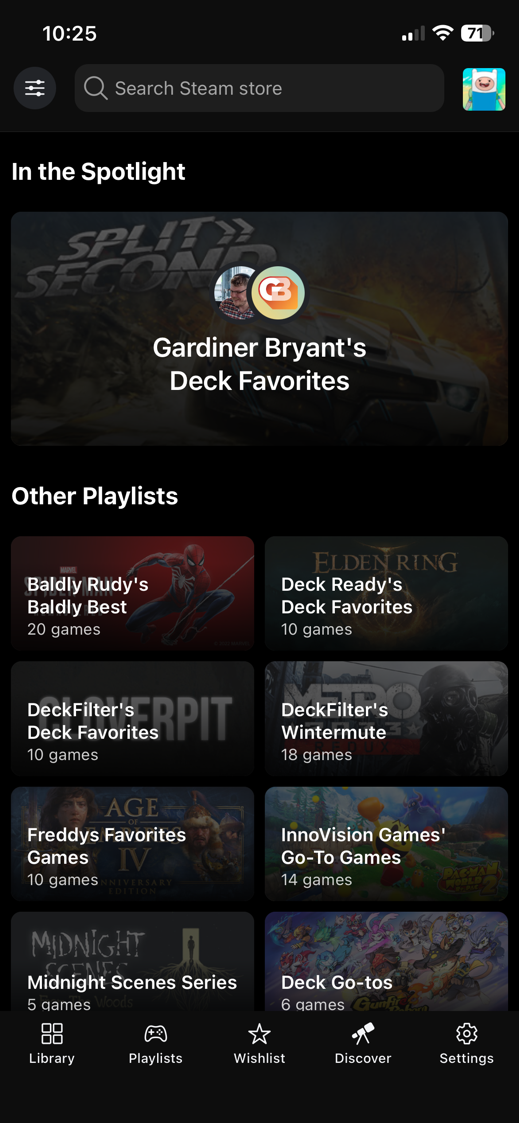
Discover and creator playlists
Discover is there for the nights when your own library is not enough and you want ideas from people who play on Steam Deck too.
Use Discover when you want Steam Deck picks from creators and themed lists without building a filter first.
Reports
Reports and community settings
Open community settings and compatibility reports from game details when you want a second opinion before playing.
Check how other Deck players set up a game before you spend the first session tweaking it yourself.
Filters
Filter your library and wishlist
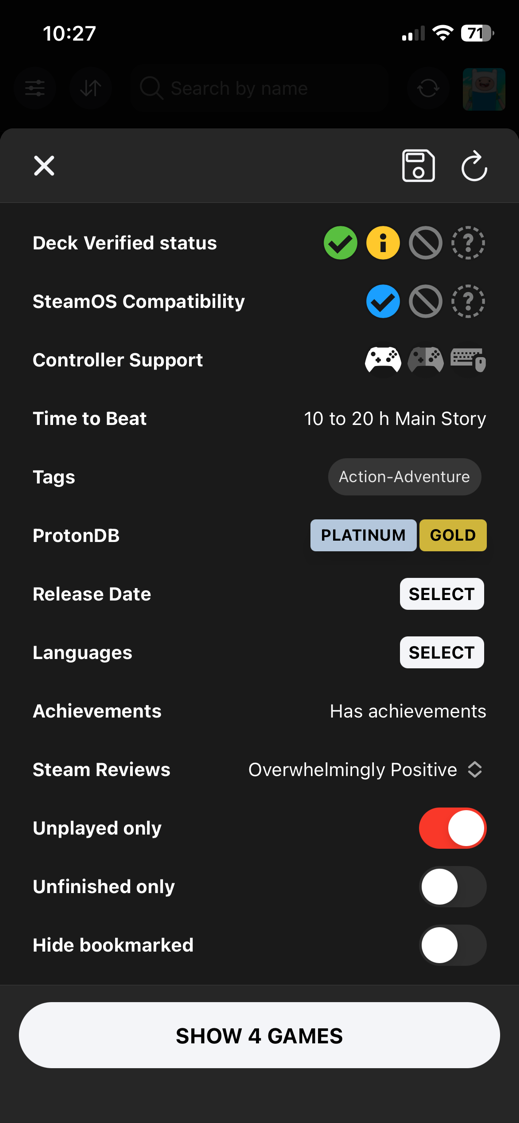
When the list is still too broad, filters start with the games that feel right on Steam Deck and keep narrowing until the remaining picks fit your mood and the time you have tonight.
Show only unplayed or unfinished games, or bring skipped and unavailable Steam items back into view when you need to clean up the list.
Why use DeckFilter?
Steam libraries get messy fast. DeckFilter gives you a better way to decide what is worth launching on Steam Deck.
Play the time you have
Pick a short game for a short break, or a longer one when the evening is free.
Less guessing
When two games both look tempting, the extra context helps you stop guessing and choose one.
Find buried games
Bring back games you already own but stopped seeing in a large Steam library.
Keep it current
Refresh after Steam purchases or wishlist changes so the app stays useful.
Check Steam Deck compatibility
Check whether a game looks like a good fit for the Deck before you launch it or buy it.
Plan your backlog
Keep the games you mean to play close, then bring the right ones back when the mood matches.