
Every list
Use the same baseline sorts no matter which collection you are viewing.
- Name
- Last synced
- Time to Beat
- Steam reviews
- Deck Verified status
- ProtonDB
- Release date
Sorting
After the filter
A short list is better than a huge one, but order still matters. You might want the shortest game, the newest sale, the most trusted Deck pick, or the game you have already played for ten hours.
DeckFilter keeps sort options tied to the list you are looking at. Owned games get play history. Wishlist games get price, discount, rank, and date added.
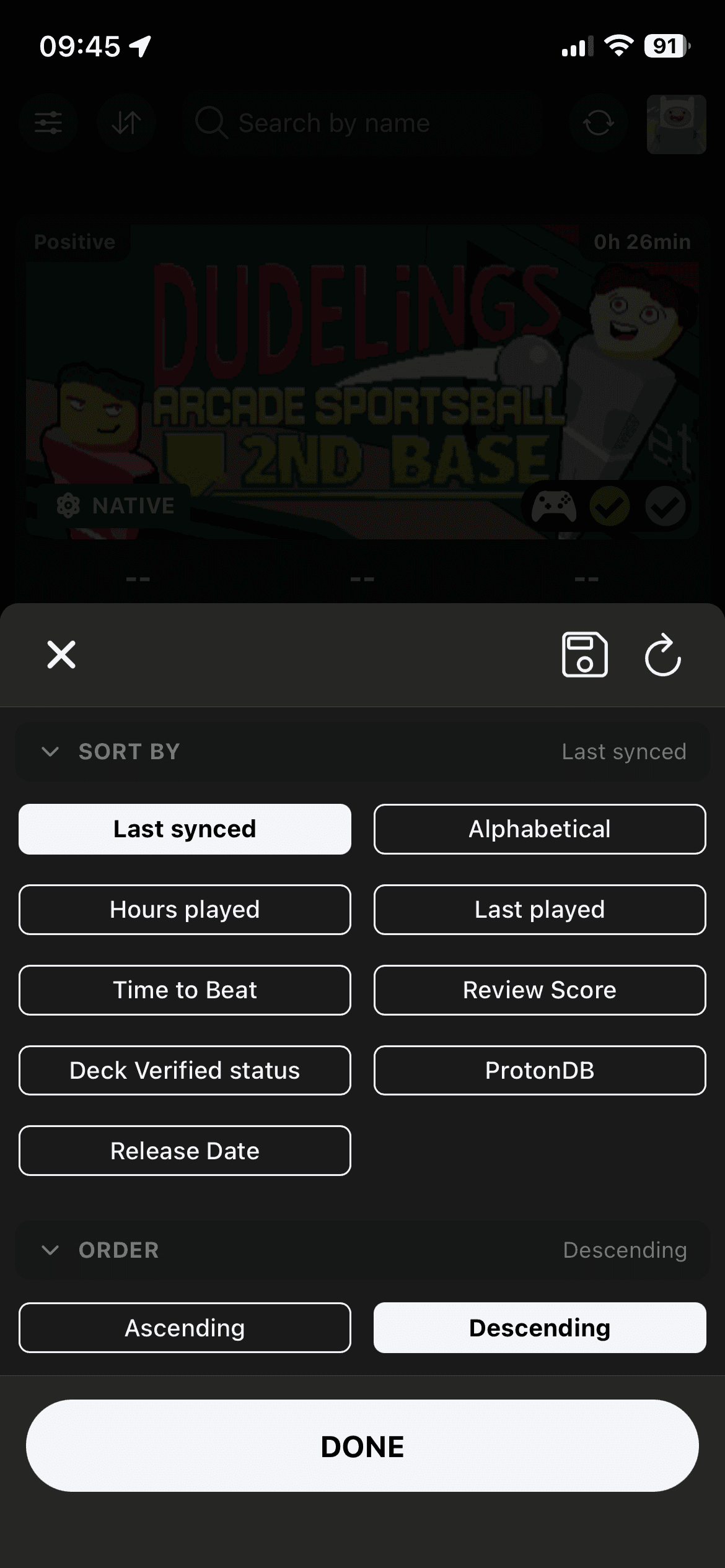
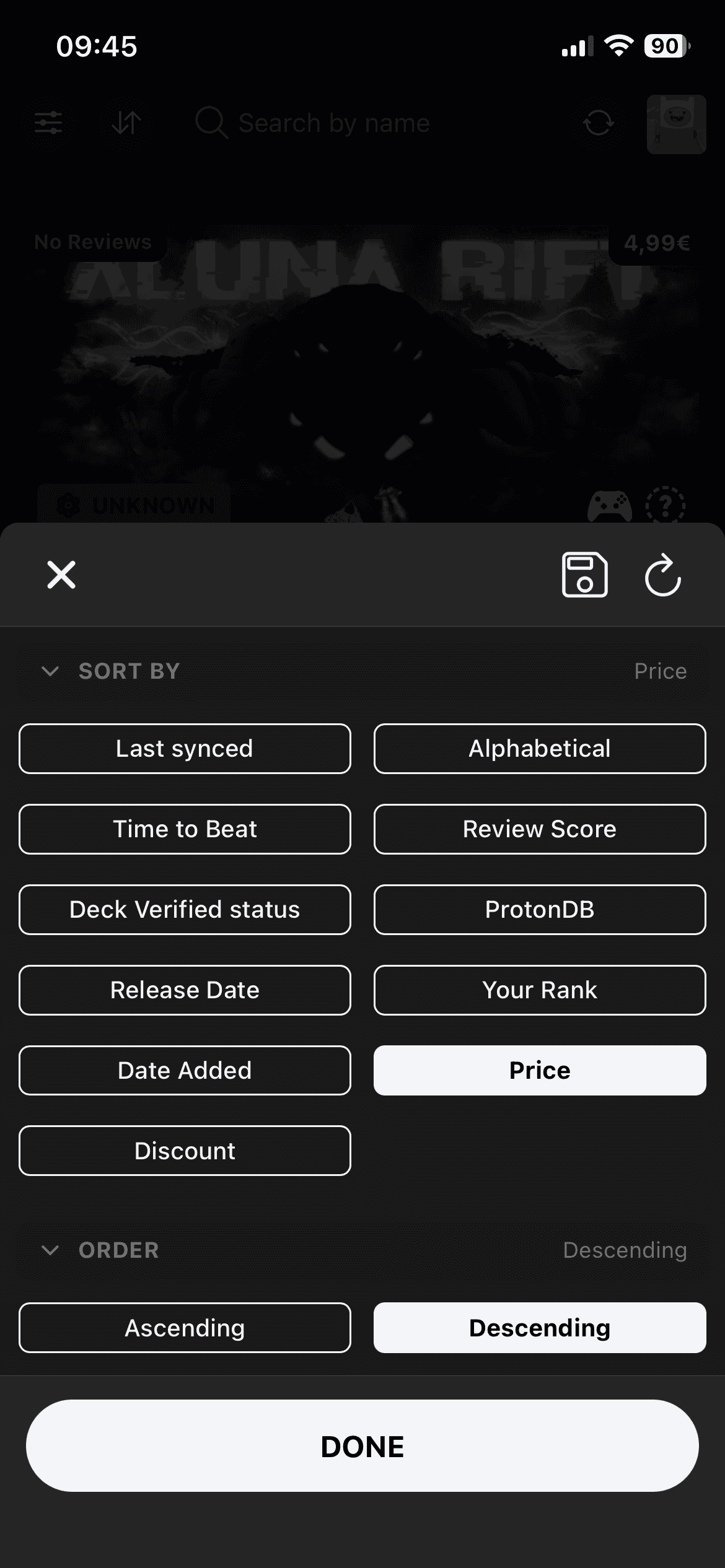
Sort options
The sort sheet changes by collection, so you do not see price controls in the library or playtime controls on the wishlist.
Use the same baseline sorts no matter which collection you are viewing.
Owned games can be sorted by play history when you are working through the backlog.
Wishlist sorting keeps sale and buying context near the top.
Sort behavior
Save the setup you keep coming back to, then reset to it when you want the same view again. Time to Beat also has its own mode, because "short" means different things for story, extras, and completion runs.
When sorting by Time to Beat, choose Main Story, Story & Extras, or Completionist.
Save a default sort for each collection, then reset back to that setup when a list gets noisy.
Library and bookmarks start with Last synced. Wishlist starts with Date Added.
Last played is available for library and bookmarks when your Steam API key is connected.