
Show up in Discover
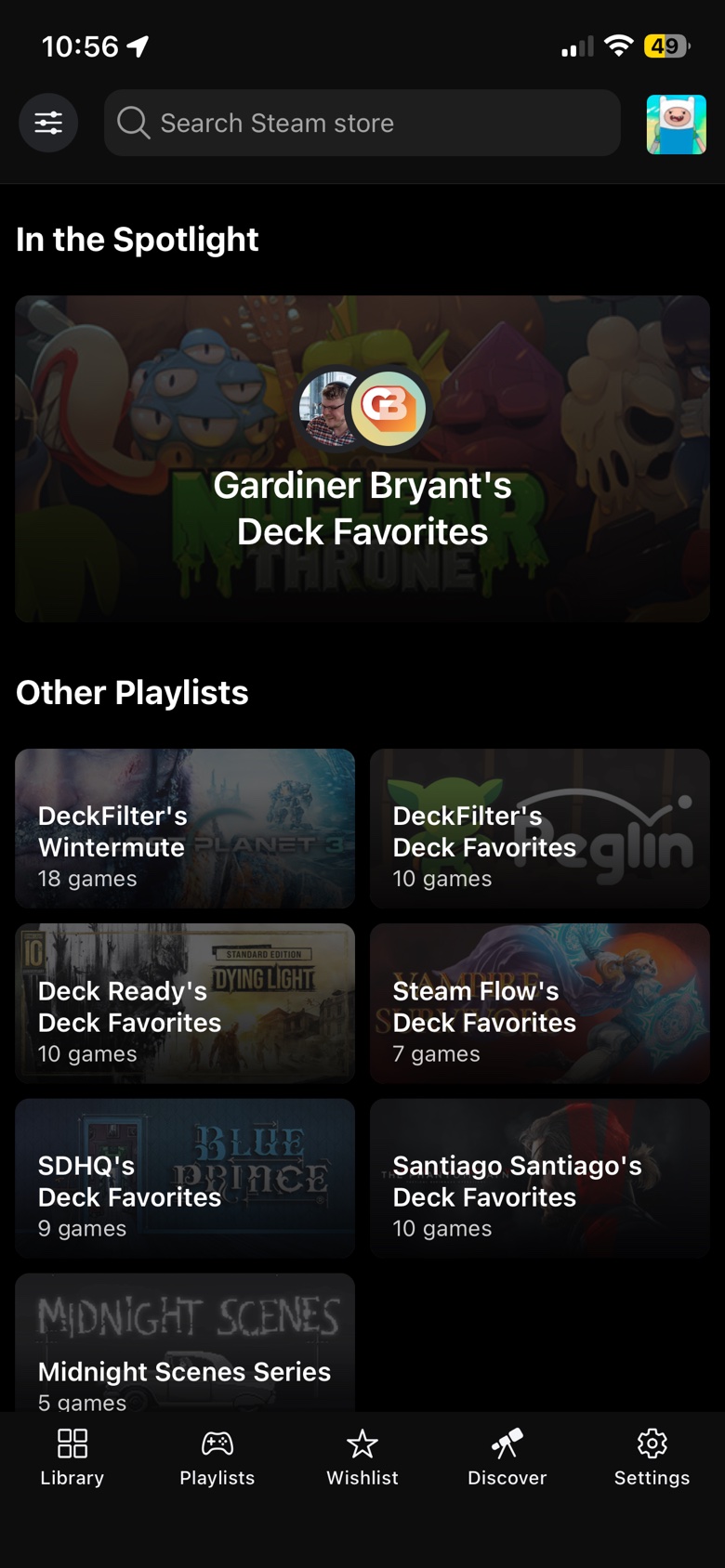
If a list is a good fit, it can appear in Discover or other recommendation spots where players are already looking for games.
JOIN DECKFILTER CREATORS
Send Steam Deck game picks for DeckFilter and DeckSettings. If a list fits, it can appear with your creator profile and links attached.
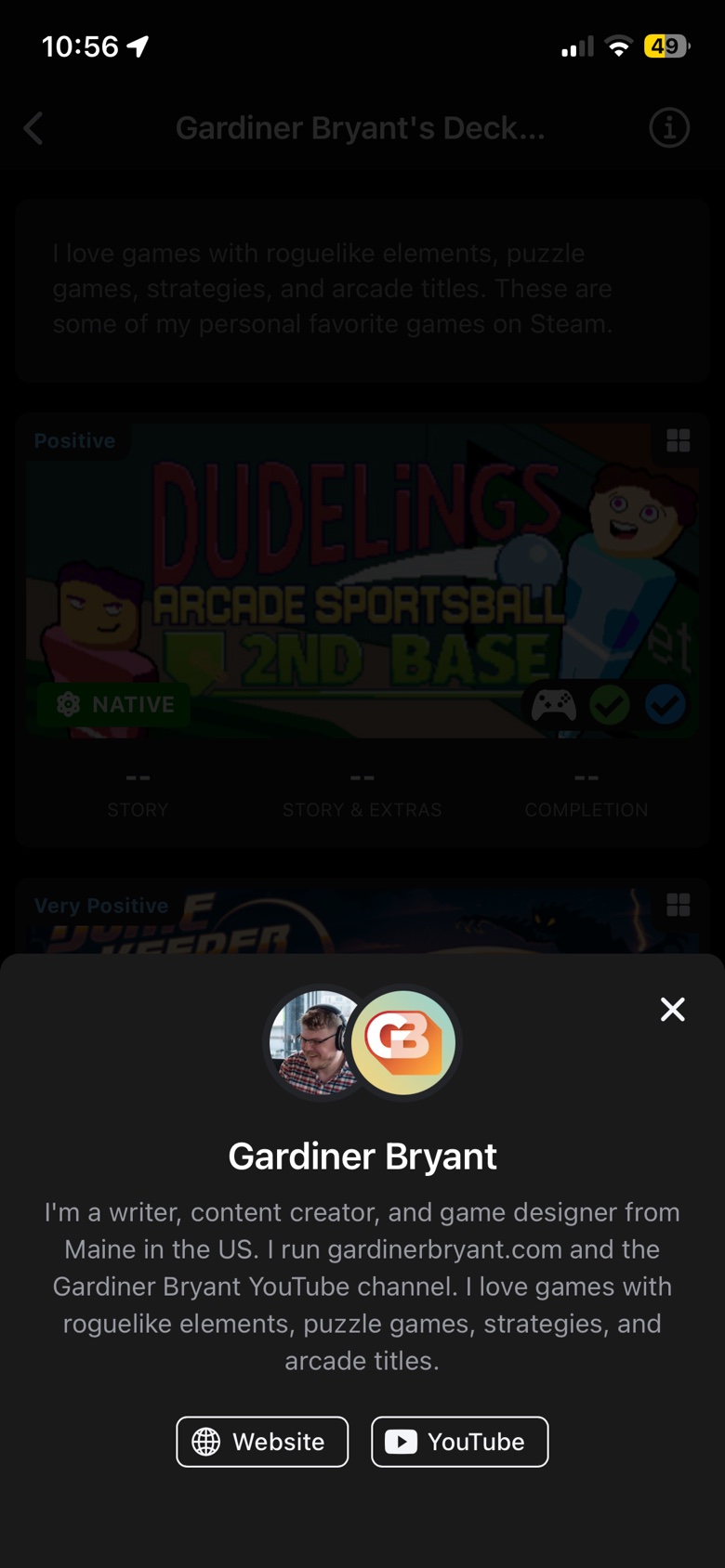
If a list is accepted, your creator profile stays attached so players know who made the picks and where to find you.
If a list is a good fit, it can appear in Discover or other recommendation spots where players are already looking for games.
Your Steam game picks can become tappable cards in DeckFilter and DeckSettings, with compatibility, reviews, and playtime when available.
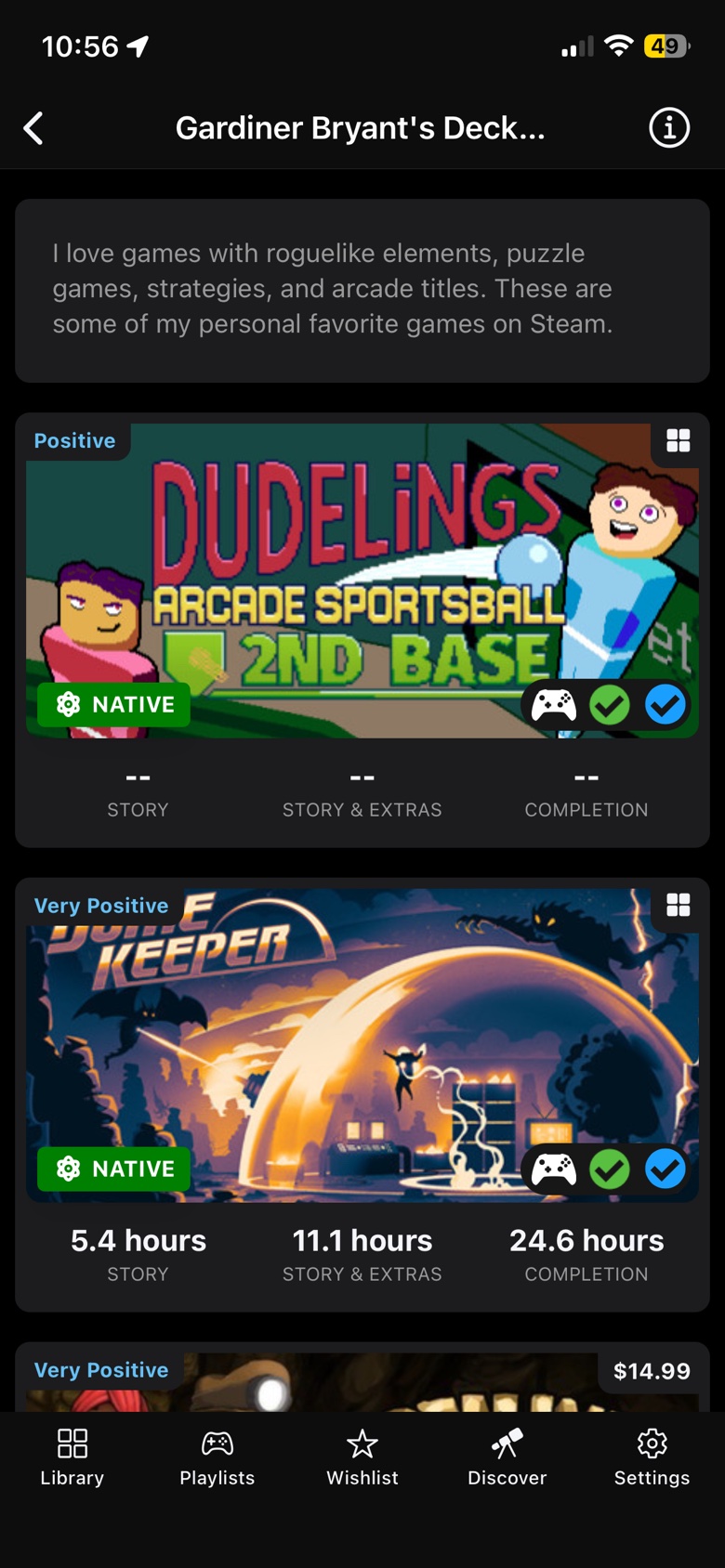
Your profile, links, and recommendations stay connected so players can find the person, channel, or publication behind the picks.
HOW IT WORKS
Send the profile first. Add recommendations now only if the list is already ready.
Start with your name, bio, image, and creator links.
Include a game list now, or send one later when it is ready.
I review submissions before anything appears in the directory or in the apps.
Accepted recommendations stay attached to your creator profile and links.